One Project a Month: VibeType and Easy Meet
Last month I started my personal challenge to build one project every month. The first project was Plate Atlas. In August, the challenge took a different direction: I worked on two projects instead of one.
They did not start in the same way. VibeType came from a personal need, while Easy Meet was started by a friend and I joined him to help. Still, both projects came from the same feeling: the available tools were close to what we needed, but they were not quite right.
VibeType: the typing trainer I could not find
I wanted to improve my touch typing speed and, more importantly, my accuracy. There are already many typing platforms online, and some of them are very good. However, I could not tune their training method enough for my needs.
Some platforms gave me fixed lessons. Others showed many statistics but did not use them to decide what I should practise next. I wanted more control over the targets, the lesson length, the starting letters and the way new letters are introduced.
That is why I built VibeType.
VibeType starts with eight common letters and creates lessons from real English words that can be written with the letters currently available. It looks at the results for every key and gives more space to the weakest letter. A new letter is unlocked only when all the current letters reach three goals: speed, accuracy and a minimum number of presses.
One important rule is that an error only counts once, but it does not disappear if I use backspace. I can correct the text on screen, but I cannot improve the final accuracy by deleting and typing the same character again. This makes the statistics more honest.
The settings were a major part of the project. I can change the speed and accuracy targets, lesson length, maximum word length, focus strength and starting alphabet. I can also decide how word deletion works and whether the interface should disappear while I am typing. This last option helps me focus only on the text.
I built VibeType with Svelte 5, SvelteKit and TypeScript. It is a fully static application with no server and no account. Progress, history and settings stay in the browser through local storage. For a personal training tool, this keeps everything fast and simple.
The main lesson from VibeType was that a small tool can still need careful rules. Building a text box was easy. Making the progression feel fair, making every statistic useful and preventing shortcuts from changing the results required much more attention.
Easy Meet: joining a friend's idea
Easy Meet has a different story. Easy Meet is only a temporary name for now, and it may change as the project grows. I had wanted to build something like this for a long time because I needed a simple way to have online meetings without short time limits, confusing corporate software or free-tier restrictions appearing at the wrong moment.
I started working on this idea several times, but I always stopped because I did not have enough time to continue. When a friend of mine began building his own version, seeing the project move forward gave me new motivation. Instead of starting again alone, I joined him and helped improve the project together.
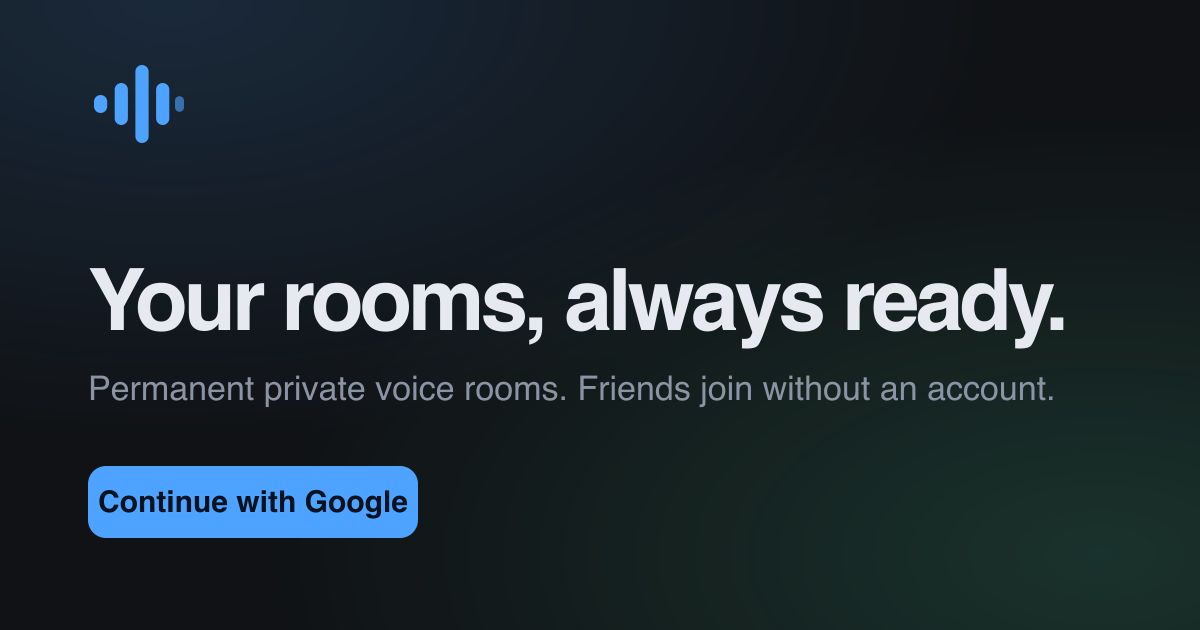
The main idea is simple: an authenticated user can create permanent meeting rooms, copy the private link and use it again whenever needed. Guests can open the link and join without creating an account. This removes a lot of friction for a small call.
The application supports voice, room chat and screen sharing. Audio and screen media are sent through WebRTC. Browsers first try to connect directly, but a Cloudflare TURN relay is available when the network blocks that path. Convex manages rooms, participants, chat messages, connection signals and the short-lived relay credentials. The frontend is built with React and TypeScript and is deployed on Cloudflare Workers.
Working on Easy Meet meant thinking about problems that do not exist in a local application like VibeType. A participant can close a tab without pressing Leave. A browser can reduce background activity. Microphone permission can be refused. Two browsers can start a connection at the same time. A network can also block a direct peer-to-peer connection.
The project handles these cases with room heartbeats, automatic cleanup, careful WebRTC negotiation and clear errors. A user can also join without a microphone and listen to the meeting. The interface includes mute controls, noise cancellation, participant audio levels, chat notifications and fullscreen screen sharing.
We also chose clear limits. A room supports up to four people. The first version used only STUN, so some restrictive networks could not create a direct connection. Easy Meet now also uses Cloudflare TURN. The application still tries the direct path first, but if that path is blocked, the meeting traffic can pass through the relay. The TURN credentials are short-lived and are requested only after a participant joins the room. This removes one important limitation of the first version and makes calls more reliable without making the user experience more complex.
Two projects with the same starting point
VibeType and Easy Meet are very different applications. One is private, local and made for a single user. The other is real-time, shared and depends on several browsers staying connected.
However, they started from the same question: what if the tool we need is almost available, but not flexible or reliable enough for us?
With VibeType, I wanted control over how I train. With Easy Meet, we wanted control over how a small group meets online. In both cases, the goal was not to replace every existing platform. It was to make a focused tool that solves our problem well.
This month also reminded me that a personal challenge does not have to mean working alone. Building my own idea taught me how to turn a personal habit into a product. Helping with my friend's idea taught me how to enter an existing codebase, discuss trade-offs and improve a product together.
The challenge is called one project a month, but one can be a minimum rather than a limit. August ended with two useful projects and two very different learning experiences. That feels like a good second chapter.